Documents
Make your document editable
Convert a PDF to a Word document and continue working.
PDF→DOCX
 File Converter
FILE CONVERTER · ANDROID
Turn documents, photos, audio, videos and 3D models into the files you need. One Android app, with over 2,000 source formats to explore.
Contains ads and in-app purchases. Options and pricing on Google Play.
Open the web workspaceANDROID · GOOGLE PLAY
“By far the BEST File Converter I've found”“Great app, easy to use”“for now, excellent product”Selected positive excerpts from Google Play reviews of the Android app, in the original English. Individual experiences vary.
Features
For the things you actually want to get done.
Explore the formatsConvert a PDF to a Word document and continue working.
Extract audio from a video and save it as an MP3.
Change an image format to suit your next project.
Convert a 3D model to a format your workflow can use.
ANDROID · FILE CONVERTER
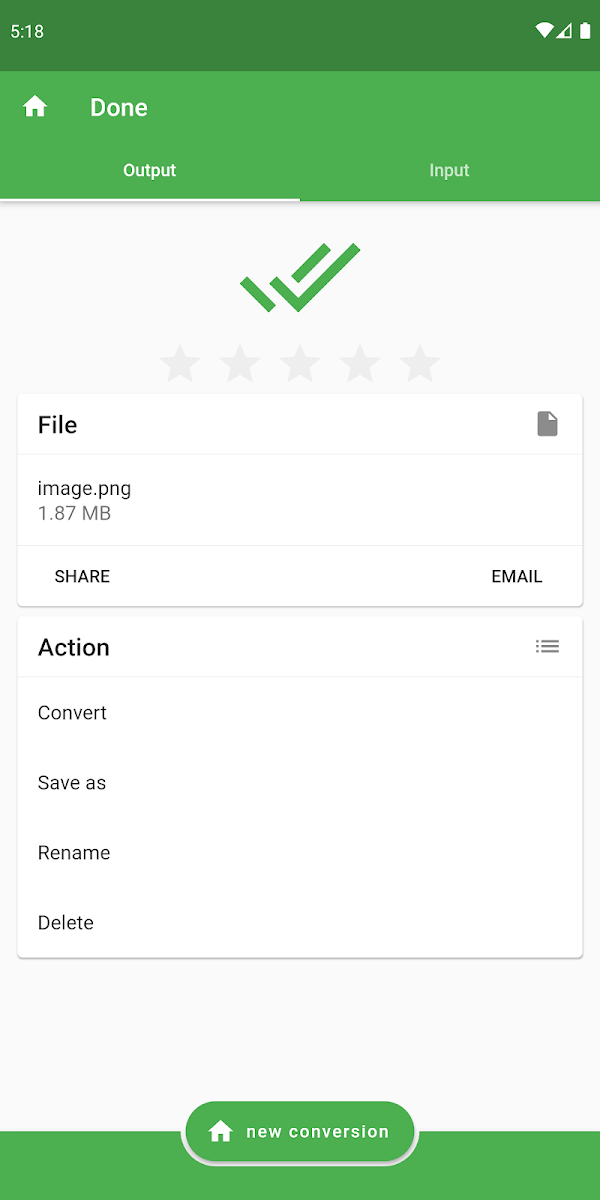
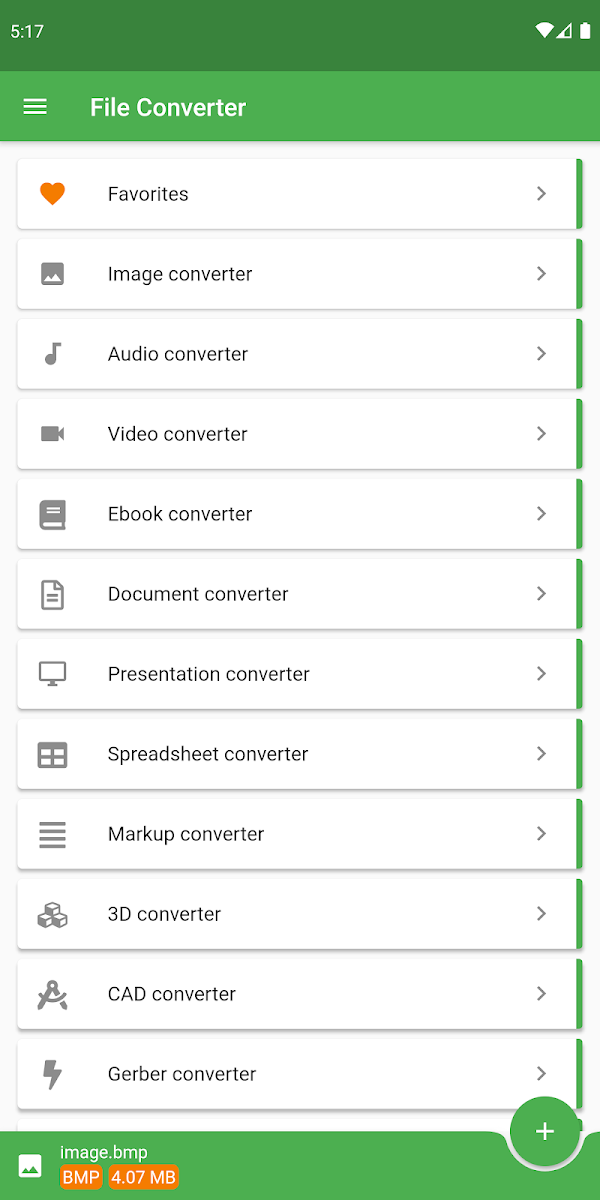
Choose a format, adjust the settings and save your result. Take a look inside the Android app.
Official Android screenshots from Google Play. App interface shown in English.
How it works
Start with a file on your device or a supported URL.
Choose the output and adjust the available settings.
Download the result and use it in your favourite app.
Conversions run in the cloud. An internet connection is required; available options depend on the file and format.
SPACE FOR YOUR RESULTS
A calm workspace for all your files. Search by name and tags, save favorites and keep projects organized. Share a file or an entire folder, with a password and expiry date if you like.
Upload files yourself to your account to organise them in folders, preview them and share links. This version does not automatically sync Android conversions or convert files in your browser.
FILE CONVERTER
Choose your file and an output format in the Android app. The conversion runs in the cloud, so you need an internet connection. Save the result once it is ready.
The app supports over 2,000 source formats across many categories. Possible conversions and settings depend on the input file. DRM-protected files and secured PDF or ZIP files are not supported.
The app contains ads and offers in-app purchases. Check Google Play and the app for the currently available options, limits and prices.
Upload files yourself to your account to organise them in folders, preview them and share links. This version does not automatically sync Android conversions or convert files in your browser.
Get File Converter for Android and put your files to work.
Get the Android app Contains ads and in-app purchases. Options and pricing on Google Play.